
Search Engine Indexing, SEO and Search Techniques
This Medium write-up uses a TryHackMe room and a WordPress Content Management System (CMS) to explore search engine indexing, SEO mechanism and the use of operators in search queries to locate specific content such as open source…
On this page
This Medium write-up uses a TryHackMe room and a WordPress Content Management System (CMS) to explore search engine indexing, SEO mechanism and the use of operators in search queries to locate specific content such as open source tools on GitHub, Python Code, and curated lists.
TryHackMe Room — Google Dorking
https://tryhackme.com/room/googledorking
- Search Engine Indexing
- Search Engine Optimization (SEO)
- Use Robots.txt to limit crawlers from scraping a web directory
- Use a sitemap to facilitate search engine indexing
- Leverage Google to search for hidden content
Search Engine Indexing
Search engines like Google use crawlers to scrape web resources. A crawler has a dictionary that records the keywords on a website. If URLs are found on a website, the crawler will also scrape those URLs. A generic keyword will appear on multiple websites, and Google will index them all. When a user searches for a keyword, all related results will be displayed based on Google’s indexes and ranking system.
- The key term of what a “Crawler” is used to do:
index
- The technique name that “Search Engines” use to retrieve information about a website:
crawling
- An example of the content type that could be gathered from a website:
keywords
Search Engine Optimization (SEO)
Google ranks websites using a variety of factors, including website speed, the inclusion of sitemaps, quality of website content, and much more. Google site analyzer is a tool for analyzing the SEO scores of a website.
In some Content Management Systems (CMS), Google provides plugins for installation so that website owners can monitor the SEO performance. For example, a website administrator can install a WordPress plugin called Google Site Kit.
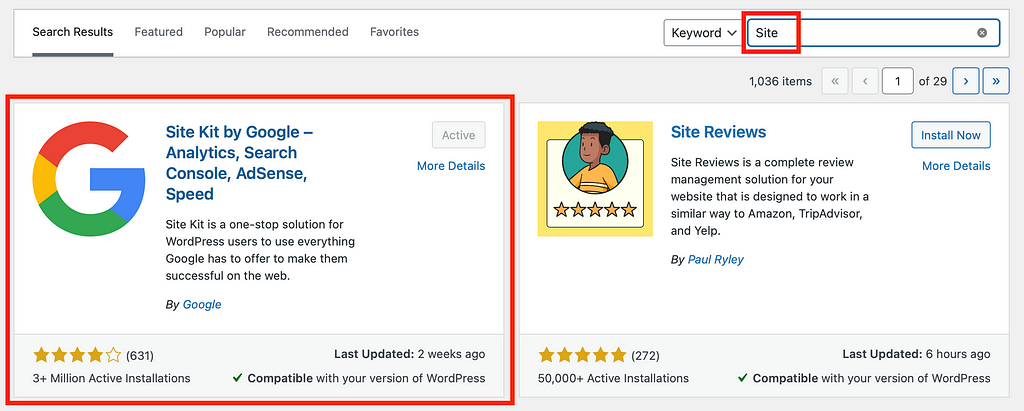
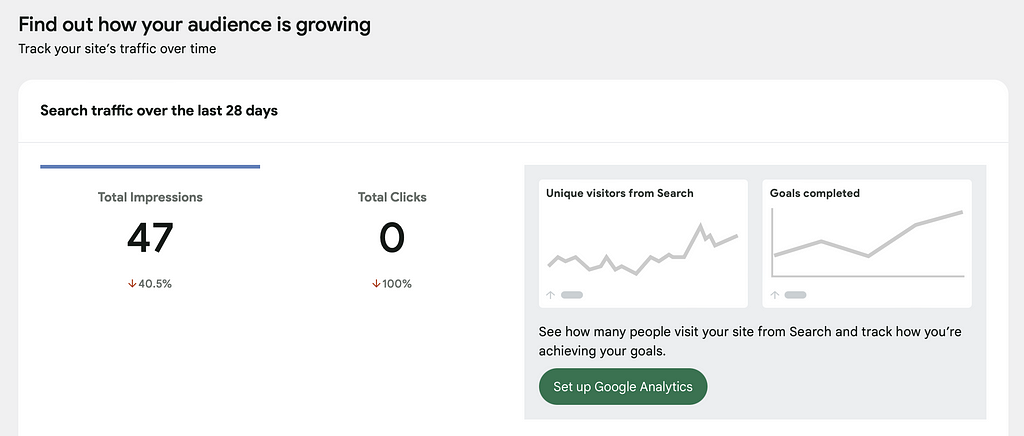
The impression of the Web Site logged by Google:
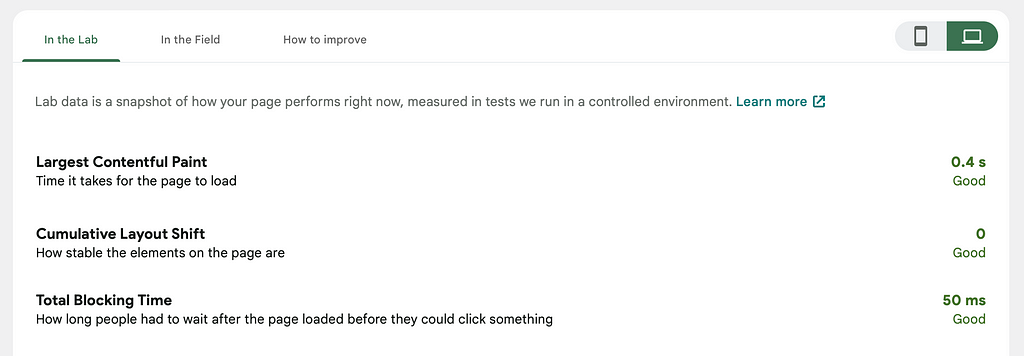
A website’s speed is one factor considered in search rank. Google provides portals to inform administrators regarding the load time.
Use Robots.txt to limit crawlers from scraping a web directory
A file named robots.txt can be placed in the root domain of a website, which informs a search engine about the directories or pages that should not be indexed.
Assuming there is a website: example.com
File on the web server: example.com/robots.txt
User-agent: Googlebot
Disallow: /private/
Disallow: /*.txt
Disallow: /public/private/
Google will not crawl the above directories. Any file on the web server with the txt extension will not be crawled by Google too. Note that /public/ directory will still be crawled. As user-agent is defined, crawlers from other search engines (such as Bing and Yahoo) shall not index the content of example.com.
- Where would “robots.txt” be located on the domain “ablog.com”:
ablog.com/robots.txt
- The name and file extension of a sitemap:
sitemap.xml
- The parameter to allow only “Bingbot” to index a website:
User-agent: Bingbot
- The parameter to prevent “Crawler” from indexing the directory “/dont-index-me/”:
Disallow: /dont-index-me/
- The extension of a Unix/Linux system configuration file which shall be hidden from search engine crawlers:
.conf
Use a sitemap to facilitate search engine indexing
Search engines encourage web administrators to include sitemaps on a web server. Sitemap is an XML document that describes the site content and provides related web links to articles within the domain. A CMS usually generates a sitemap for crawlers to discover by themselves. Web administrators can also submit that sitemap to search engines for SEO purposes.
An SEO plugin of a CMS typically provides the functionality of generating a sitemap for the website.
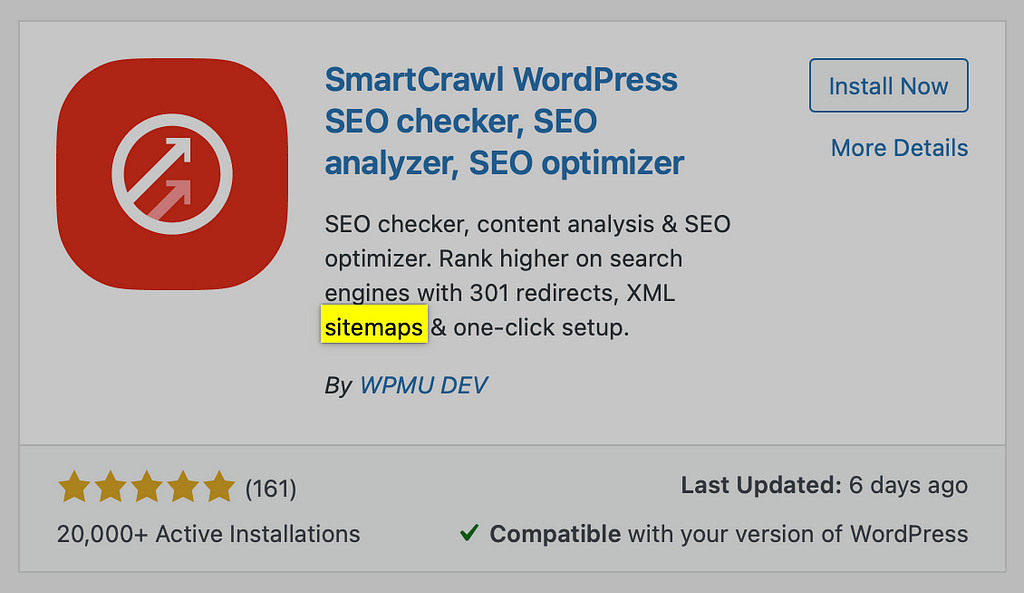
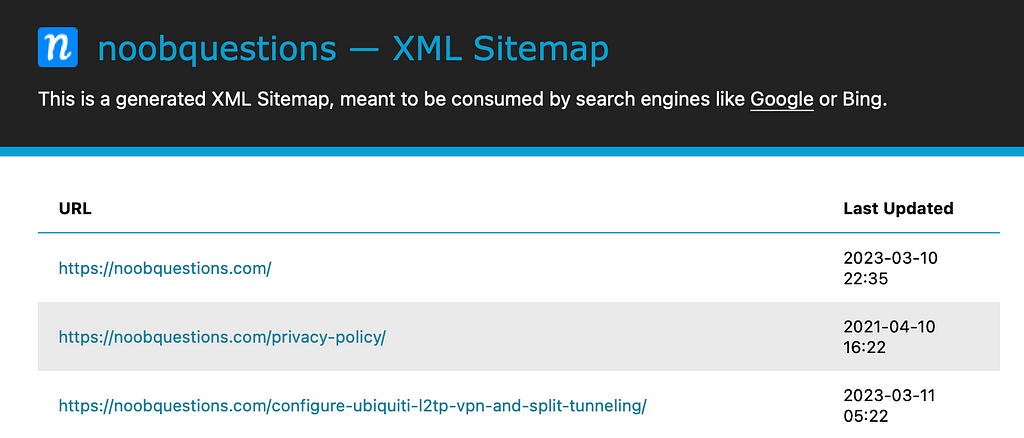
- The typical file structure of a sitemap:
xml
- A sitemap can be compared to:
map
- The keyword for the path taken for content on a website:
route
Leverage Google to search for hidden content
Using Google operators can make it easier to pinpoint content which would otherwise be hidden in many search results.
Assume that I would like to search for common OSINT attack tools, and I know that the place I want to get that information is on GitHub — a website which hosts a lot of open-source repositories; I can use the following query to locate the information.
attack tools name site:github.com
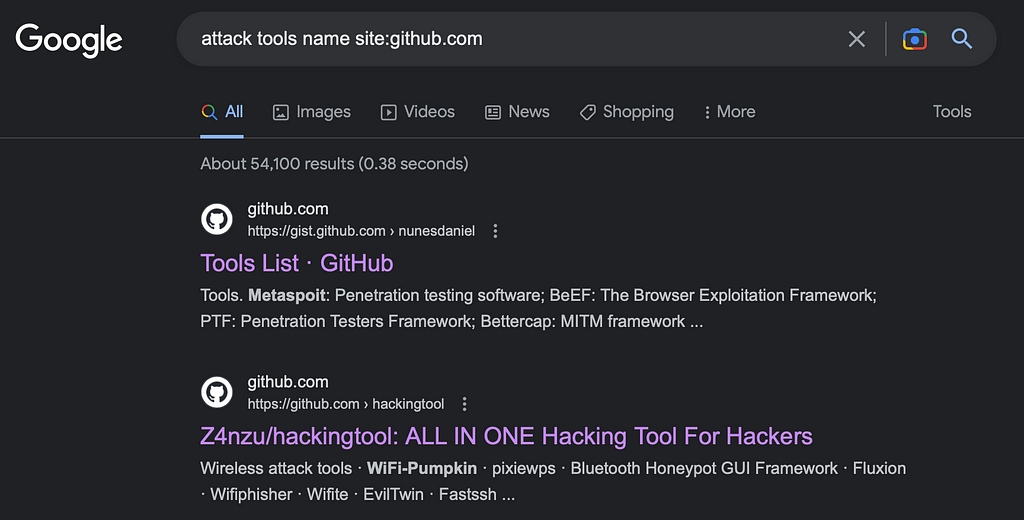
To search for open-source tools written in Python, the following query can be used:
ip reputation check filetype:py site:github.com
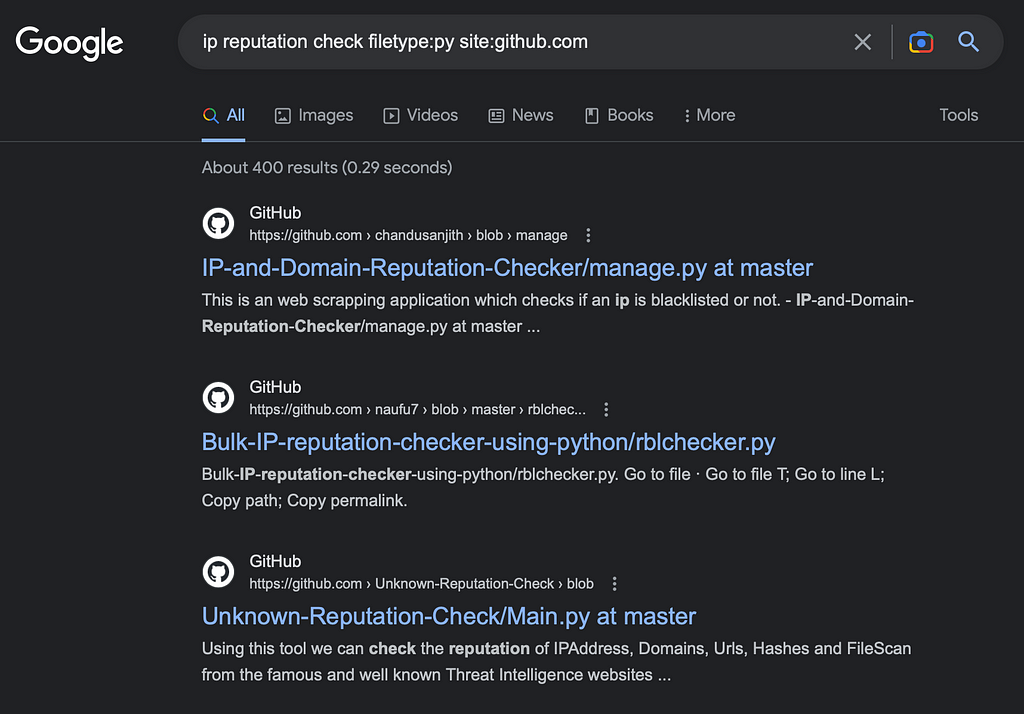
To look for osint in curated list format on GitHub:
intitle: curated osint site:github.com
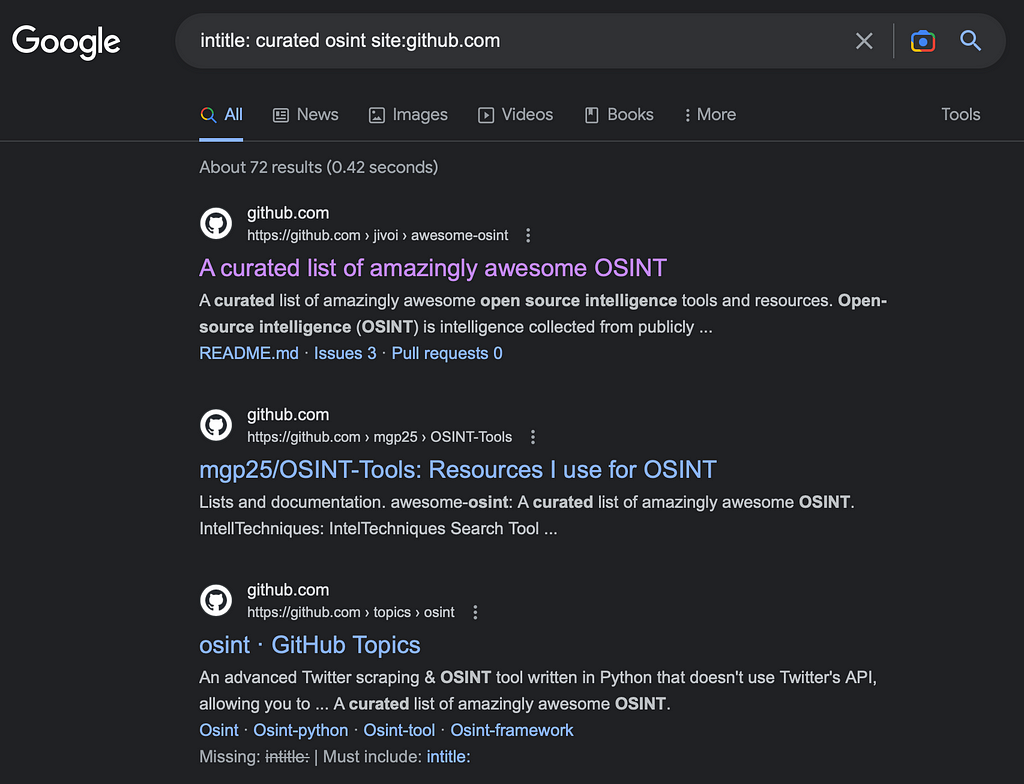
- The query for searching bbc.co.uk about flood defences:
site: bbc.co.uk flood defences
- The term to search for a particular file type:
filetype
e.g., filetype:pdf
- The query to look for login pages:
Intitle: login
Build a Content Strategy that Converts
About this resource · sources, dates & scope
Attribution: Kelvin Ling. Original publication: .
The original technical writing is preserved. Software-specific procedures can reflect older versions; consult current official documentation before operational use.
Community discussion
Comments
Ask a question or share a practical note. Comments publish immediately after verification and spam checks. Do not post personal or confidential information.
Loading comments…